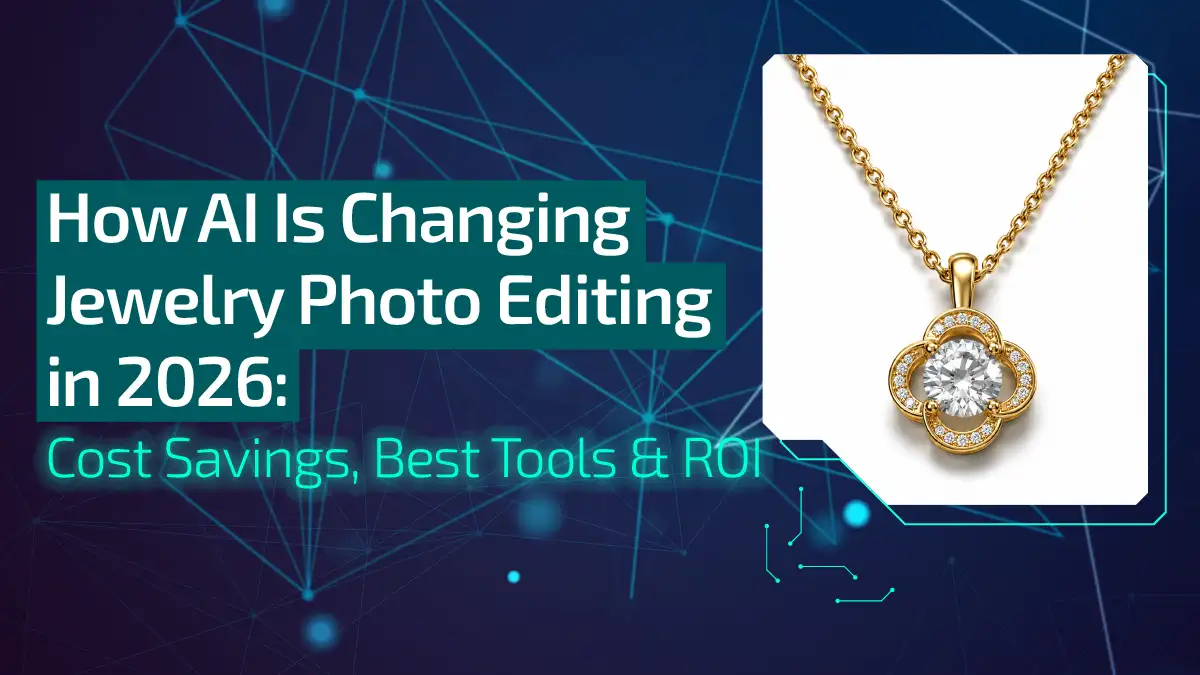
How AI Is Changing Jewelry Photo Editing in 2026: Cost Savings, Best Tools & ROI
Jewelry has always been the ultimate test for any product photographer or photo editor. The way a faceted diamond splits light, the deep glow of 24k gold, and those frustrating reflections of the camera lens in a polished platinum band require absolute precision.
For years, capturing and editing these details meant hours huddled over a monitor or paying exorbitant studio rates. But things look entirely different today. In 2026, AI isn’t just a helper tool; it has completely rewritten the playbook for jewelry photo editing.
Let’s look closely at how this shift is happening and what it means for your bottom line.
Why Jewelry Brands Are Switching to AI Photo Editing in 2026
The jewelry world moves incredibly fast now, and traditional post-production pipelines simply can’t keep up with the demands of modern e-commerce.
How Many Brands Already Use AI
Honestly, walking through the major industry trade shows or auditing top Shopify storefronts reveals a massive shift.
Recent industry data shows that around 35% of mid-to-large e-commerce jewelry brands have fully integrated AI into their visual production workflows.
It’s no longer a tech experiment for early adopters; it’s the standard operating procedure for staying competitive.
Traditional vs. AI Editing: Speed and Quality Comparison
To be fair, traditional manual editing still holds a special place for high-end, high-value heritage pieces. However, for day-to-day catalog management, the contrast is stark.
- Traditional Speed: A skilled human editor might take 20 to 45 minutes on a single complex ring image to manually build clipping paths, clear up dust, and fix metal reflections.
- AI Speed: Modern, specialized jewelry AI engines handle that exact same image in roughly 30 seconds.
- The Quality Shift: Early AI tools used to butcher fine details, blurring out delicate prong work or turning diamond facets into mush. Today’s fine-tuned models are trained specifically on gemstone physics and metal reflectivity, producing crisp, hyper-realistic macro details that match manual hand-retouching.
Real Cost Savings: How AI Cuts Jewelry Editing Costs
When you run a business, creative choices always come down to the numbers, and the financial argument for AI is incredibly compelling.
Cost Breakdown: AI vs Freelancers
Let’s look at the actual cash layout. Hiring a high-quality freelance editor who understands jewelry will easily run you anywhere from $5 to $25 per image, depending on the complexity of the piece.
In contrast, dedicated AI processing costs between $0.90 and $1.99 per image, often dropping even lower if you process your catalog in large batches.
How Small and Medium Businesses Saved $5,000/Month with AI Tools
Think about a boutique brand launching a new collection with 200 items, requiring multiple angles, lifestyle shots, and close-ups, easily totaling 500 images. Traditional retouching bills for a single drop could scale past $5,000.
By utilizing automated workflows, small and medium businesses are saving that full $5,000 every single month, reallocating those funds directly into their ad spend or product development.
ROI Calculator: What Your Brand Can Save in 2026
| Monthly Image Volume | Traditional Editing Cost (Avg. $10/img) | AI Editing Cost (Avg. $1.20/img) | Monthly Savings |
| 100 | $1,000 | $120 | $880 |
| 500 | $5,000 | $600 | $4,400 |
| 1,500 | $15,000 | $1,800 | $13,200 |
Best AI Jewelry Photo Editors in 2026: Tool Comparison
The software market has matured significantly, moving away from generic background removers to highly specialized, jewelry-aware applications.
Snappyit
Built directly with e-commerce platforms like Shopify in mind, Snappyit is fantastic for fashion jewelry and apparel-adjacent accessories. It allows you to take simple flat lays or phone snaps and instantly turn them into styled product shots.
Photoroom
Photoroom remains a powerhouse for general e-commerce, but its 2026 iterations feature heavily upgraded AI upscaling and batch-retouching tools tailored for small jewelry setups. It’s incredibly fast for clean, white-background marketplace images required by Amazon or Etsy.
Scalio
If your brand leans heavily into social commerce and digital ads, Scalio is highly effective. It acts as an AI product studio that can translate a static jewelry photo into studio-grade visual assets and even generate short, high-converting video variations and UGC-style ad placements.
AI VX vs Jewels Retouch vs Neuroviz
While generic platforms struggle with specular highlights, specialized engines shine. Tools like AI VX offer fast, automated lighting adjustments. Jewels Retouch focuses heavily on traditional catalog standards.
NeuroViz stands out as a highly specialized platform built exclusively for jewelers; it is trained on over 50,000 jewelry images, enabling it to recognize complex light behaviors in precious stones and loose gems.
Which Tool is Best for Your Brand Size?
- Solo Founders & Etsy Sellers: Photoroom or Snappyit offer the lowest barrier to entry and straightforward, click-driven controls.
- Growing Mid-Market Brands: Scalio provides the perfect bridge between static web images and dynamic social media marketing assets.
- Enterprise & Fine Jewelers: NeuroViz or a dedicated partnership with professional jewelry photo editing services is best for handling massive catalog updates while preserving exact gemstone inclusions and high-end brand realism.
What AI Can Do Now: 5 Capabilities That Changed Jewelry Editing
We’ve moved far beyond basic filter adjustments; today’s tech handles the trickiest aspects of luxury photography with ease.
Virtual Lighting & Reflection Control (No Lightbox Needed)
In the past, you needed complex diffuser tents and lightboxes to avoid showing the reflection of the camera lens or the photographer’s hands in a shiny ring.
Modern AI recognizes the geometry of a piece and lets you digitally manipulate the light sources, removing unwanted reflections while keeping the natural sparkle.
Instant Background Generation from Text Prompts
You no longer need to buy expensive props like marble slabs, velvet cushions, or driftwood. You simply upload a clean shot of your piece, type a quick prompt like “resting on a luxury dark marble surface during golden hour,”.
On-Model & Lifestyle Shots Without Real Photographers
Booking models, hand talent, hair stylists, and studio space can cost thousands.
Now, specialized jewelry try-on tools can automatically take a raw necklace or ring photo and drape it flawlessly across a hyper-realistic AI model.
Automatic Retouching: Dust, Scratches & Flaw Removal
Macro photography amplifies every tiny speck of dust, fingerprint, or microscopic metal scratch that the human eye misses.
An editor doesn’t have to spend hours cloning out these imperfections frame by frame. AI identifies and wipes them clean in milliseconds without softening the sharp edges of the metal.
High-Resolution Upscaling for Zoom-Friendly Images
Online jewelry buyers want to zoom in close to check the clarity of a stone or the quality of a setting. Native AI upscaling can take a standard smartphone photo and blow it up to a crisp 4K or 16-megapixel image, sharpening gemstone facets and engravings beautifully.
What’s Next for AI in Jewelry Photo Editing
The tech isn’t slowing down, and looking ahead into the rest of 2026 and beyond gives us a clear view of the next big shifts.
Virtual Try-On Tools Becoming Standard
Interactive web tools are evolving rapidly. Soon, consumers won’t just look at static on-model photos; they will use their phone cameras for real-time, high-fidelity AR try-ons where rings and bracelets move naturally with their body.
AI Image Generators for Pre-Production Design
Custom jewelers are beginning to use sketch-to-photo AI models. You can take a rough, hand-drawn design concept from a client, input it into a specialized visualizer.
Subsequently, you can show them a photorealistic 3D render of the finished piece before you ever melt down a single gram of gold.
Visual Discovery Replacing Text Search for Jewelry Shopping
The way customers find jewelry online is changing. Advanced visual search engines mean shoppers will upload a screenshot or a picture of a piece they saw on social media.
AI will analyze the precise stone cut and setting to match it instantly with your inventory.
Frequently Asked Questions
1. Can AI accurately replicate the specific shine of different metal types like 14k vs. 18k gold?
Yes. Modern jewelry-trained AI models recognize the distinct color profiles, warmth, and surface reflectivity of various alloys, allowing them to differentiate between the deeper yellow of 18k gold and the lighter hue of 14k gold.
2. Will using AI-generated jewelry images negatively impact my website’s Google SEO rankings?
Not if done correctly. Search engines prioritize high-quality, helpful content that matches user intent; as long as your images are crisp, highly accurate representations of the physical product, and properly optimized with alt text, they will perform exceptionally well.
3. How do AI editing tools handle intricate jewelry details like filigree, milgrain, or micro-pave settings?
Specialized tools use advanced edge-detection algorithms to isolate delicate metalwork without blurring it out, ensuring that tiny pave diamonds and decorative bead textures remain sharp and distinct.
4. Can I use AI to change the gemstone or metal type of an existing product photo to show variations?
Absolutely. Many platforms now offer recoloring and variant generation features, allowing you to swap a yellow gold band to white gold, or change a sapphire to a ruby, without needing to reshoot every single SKU.
5. Is my intellectual property safe when I upload unreleased jewelry designs to AI editing platforms?
It depends entirely on the tool’s privacy policy. While public, chat-based AI tools often use uploads for training data, professional, enterprise-grade jewelry editing software typically processes your images in isolated environments.
Start Using AI Today: 3-Step Implementation Guide
Transitioning to an automated jewelry photo editing workflow doesn’t have to happen overnight, and it shouldn’t disrupt your daily business operations.
Step 1: Pick Your Tool Based on Brand Size & Budget
Assess your actual production bottlenecks. If you simply need clean catalog shots on a budget, look at Photoroom or Snappyit; if you need highly precise gemstone rendering or dynamic lifestyle imagery, lean toward a specialized studio platform.
Step 2: Test with 10–20 Images (Free Trials Available)
Don’t commit your entire catalog right out of the gate. Take a handful of your trickiest photos, pieces with complex reflections or lots of small stones. Then run them through a few free trials to see how well the algorithms maintain real-world authenticity.
Step 3: Scale to Full Catalog & Track Conversion Lifts
Once you find a tool or a combined hybrid workflow that matches your brand standards, roll it out across an entire product category. Monitor your page load speeds, track your bounce rates, and that’s all.
All you have to do is then just watch how cleaner, zoom-friendly images directly impact your conversion rates over time.